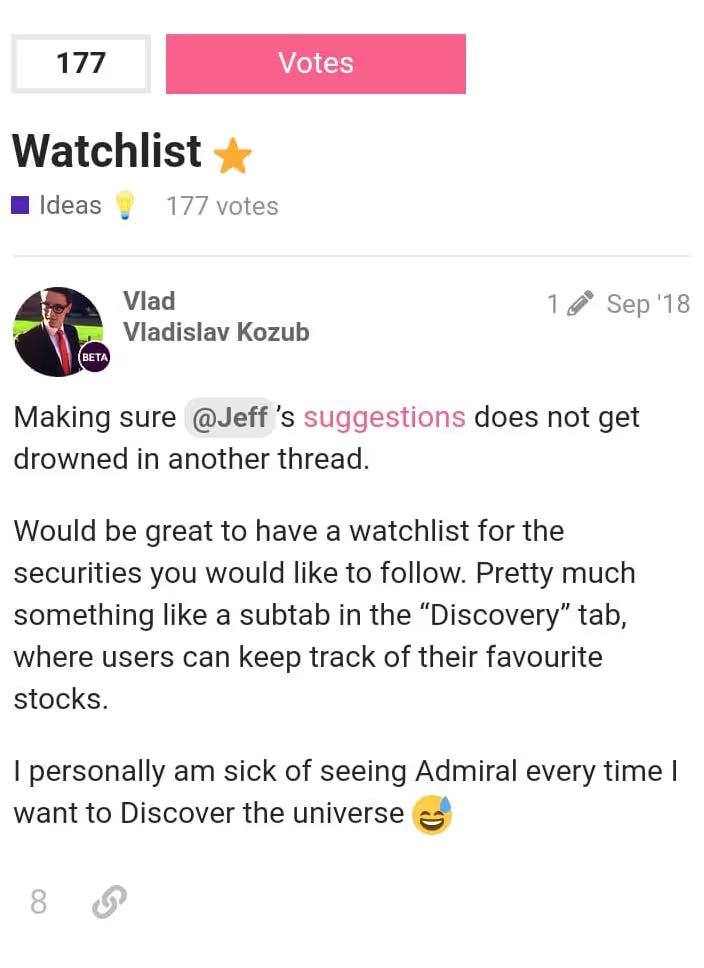
Just over a year ago, a Freetrader on the community forum suggested that we add a ‘Watchlist’ to the app.
We thought that was a pretty good idea, and so did many of you.
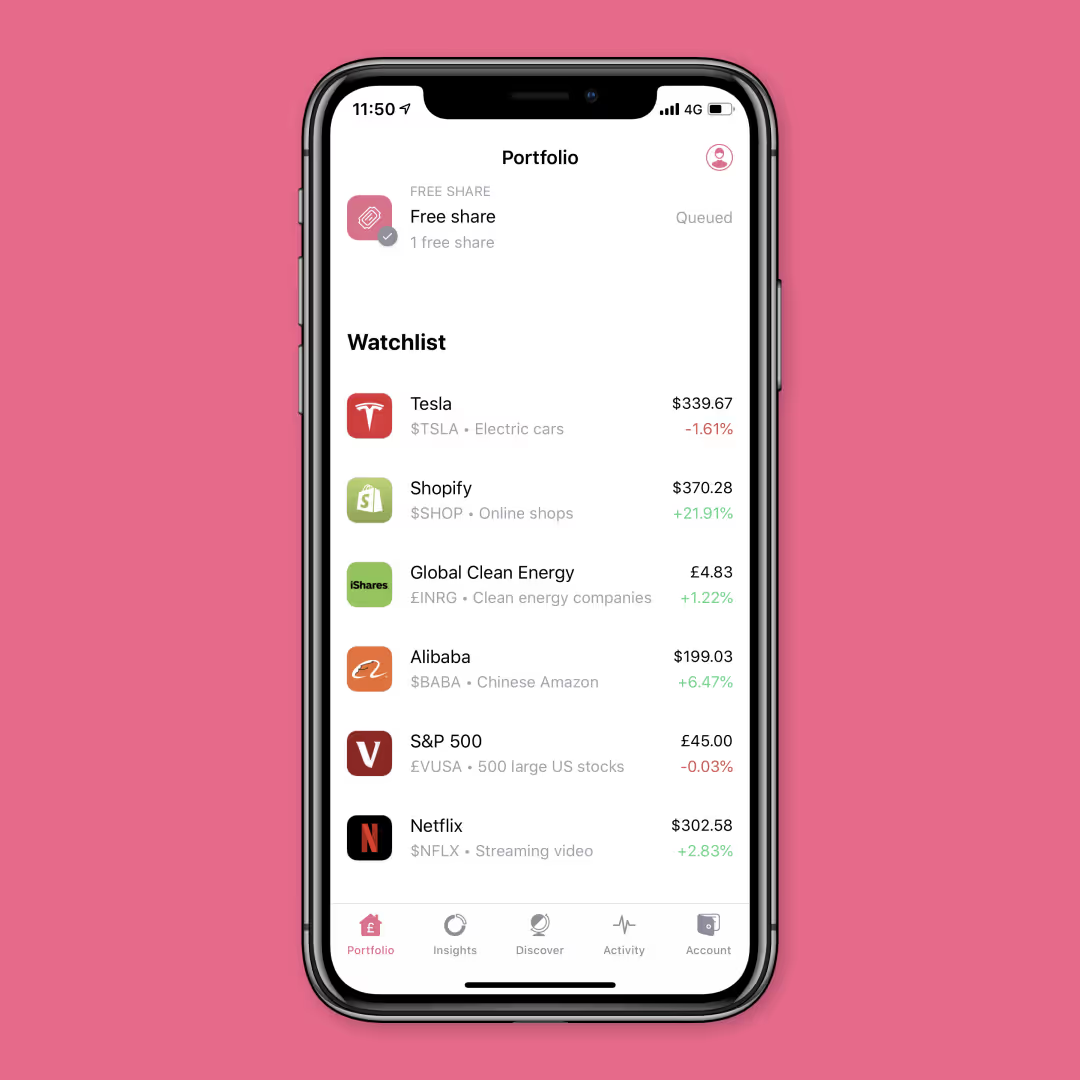
Today we’re very happy to announce that Watchlist is now available on your Freetrade app. ⭐
The feature rolls out on iOS from today (just update to version 2.7.4) and on Android in the next few days.
What is Watchlist?
The chances are you’ve scrolled through the Discover tab of your Freetrade app, looking for stocks, and found one that caught your fancy.
After scanning the company’s profile and past performance, maybe you decided not to invest just yet — but you still wanted to keep an eye on its share price.
Until now, that meant you had to try and remember the company’s name and then look it up on the Discover tab every time you wanted to check on it. One Freetrader even had to resort to writing things down on paper so he didn’t forget the stocks he wanted to keep an eye on. 😱
The arrival of Watchlist means that you can finally rid yourself of this irksome process.
How does it work?
Want to keep an eye on a stock? Tap on it in the Discover tab and you’ll see a button that lets you add it to your Watchlist.


You can do this for as many companies as you like and, once you’ve added all the stocks you want, your watchlist will be available in the Portfolio tab. To remove a stock, just tap on the same button and it’ll disappear. Simple. 💪
What’s next?
If you’ve been keeping an eye on the Freetrade blog or following us on social, you’ll know that Watchlist was part of the Freetrade Christmas List.
We’ve also recently rolled out Gain/Loss, Dividends in Activity feed and 7-day customer support.
And along with the newly-added Watchlist, get ready for more exciting features on the list in the coming weeks. 🎅
This should not be read as personal investment advice and individual investors should make their own decisions or seek independent advice. This article has not been prepared in accordance with legal requirements designed to promote the independence of investment research and is considered a marketing communication.When you invest, your capital is at risk. The value of your portfolio can go down as well as up and you may get back less than you invest. Past performance is not a reliable indicator of future results.Freetrade is a trading name of Freetrade Limited, which is a member firm of the London Stock Exchange and is authorised and regulated by the Financial Conduct Authority. Registered in England and Wales (no. 09797821).