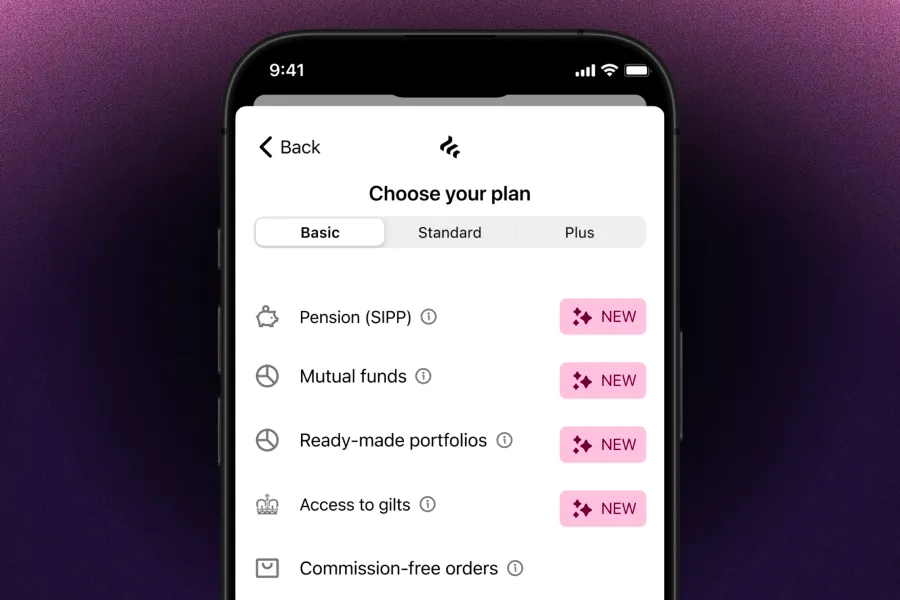
Mutual funds are now in recurring orders
You can now add mutual funds to your recurring orders. Choose from over 1,200 funds from leading providers like Vanguard, BlackRock, and Royal London — set your amount, pick a schedule, and automate your regular investing.
What’s new
- Add funds to a new or existing recurring order, alongside shares and ETFs, with up to 50 investments in one order.
- Invest weekly, fortnightly, or monthly in your ISA, SIPP, or GIA.
- Every fund purchase is commission-free, and there are no percentage fees on your holdings.
- It’s available on every plan, including Basic.
How fund recurring orders work
- Priced once a day. Your order is placed at the fund’s next daily valuation point, so it won’t execute instantly.
- Fractional units. The full amount you allocate is invested, subject to a minimum investment per fund.
- Have cash ready. If there isn’t enough cash in your account on your investment date, the order fails and won’t be retried. Your next scheduled order will still run as normal.
How to set it up
- Go to Portfolio on your mobile app and tap “Recurring order”.
- Tap “Add more investments” and choose your funds.
- Set your amount and schedule.
- Confirm how much goes to each investment.
You can edit, pause, or cancel your recurring order at any time.
Have questions? Read our Recurring Orders help articles.
Important information
When you invest, your capital is at risk. The value of your investments can go down as well as up, and you may get back less than you invest. Fund ongoing charges and other charges may apply. ISA and SIPP rules apply. Freetrade does not provide investment advice.